AppVersion 1.0.5

TildeDock

Your terminal, one shortcut away. Move tabs freely between windows.

TildeDock is a dropdown terminal for Windows built with .NET 10 and WPF. Open PowerShell, WSL Bash, CMD, and custom shells in tabs. Detach moves a tab into a separate window; Attach returns it to the dropdown, keeping the shell process and history. Version 1.0.5 updates the name, icon, installer, and application data directories.

Platform
Windows 10 (1809+) / 11 · x64
Technologies
C# · .NET 10 · WPF · WebView2 · xterm.js · ConPTY
Discuss this project
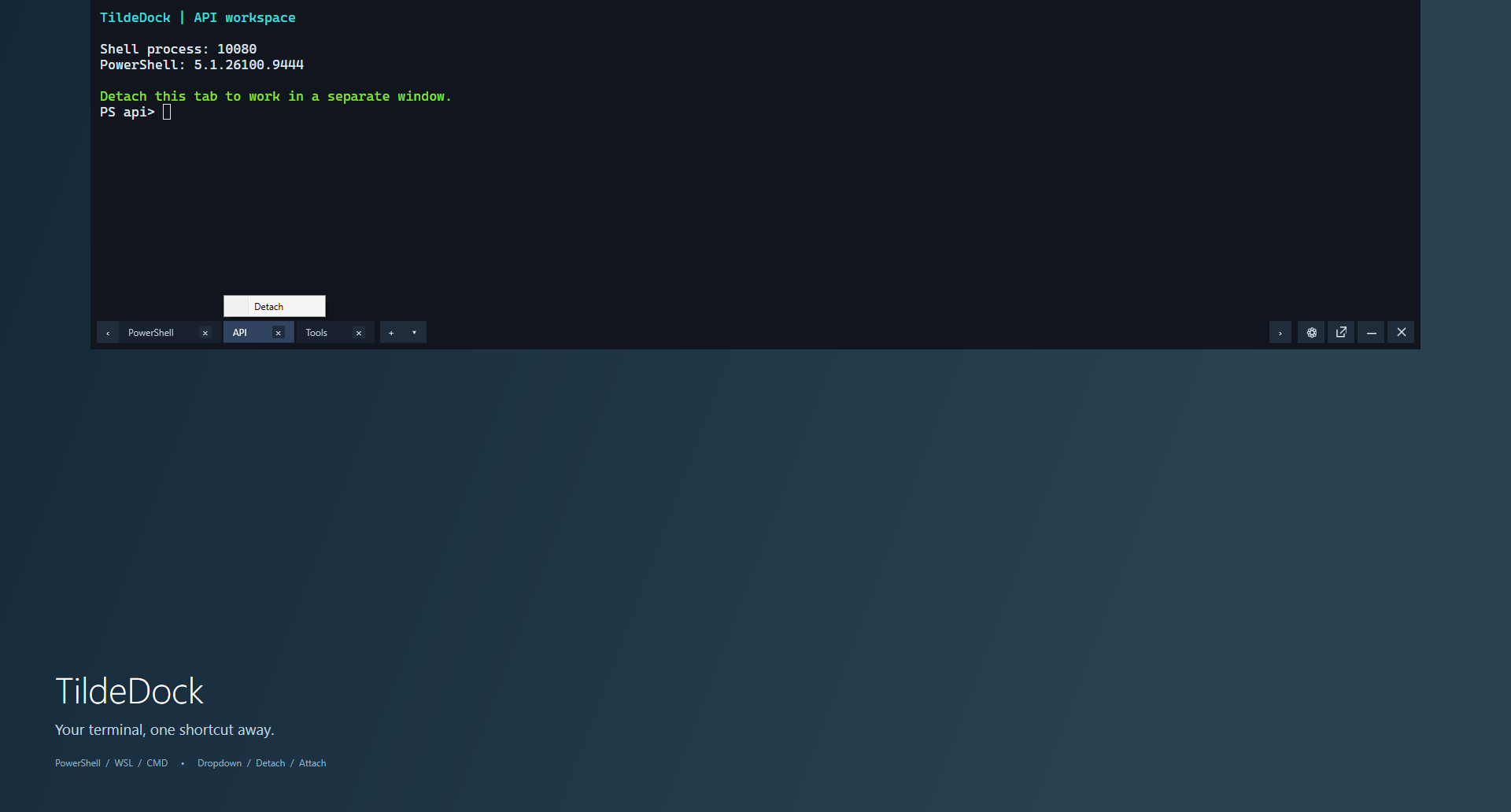
TildeDock 1.0.5: dropdown terminal with tabs and the Detach menu

Inside the project

Features

01

Dropdown, Detach, and Attach

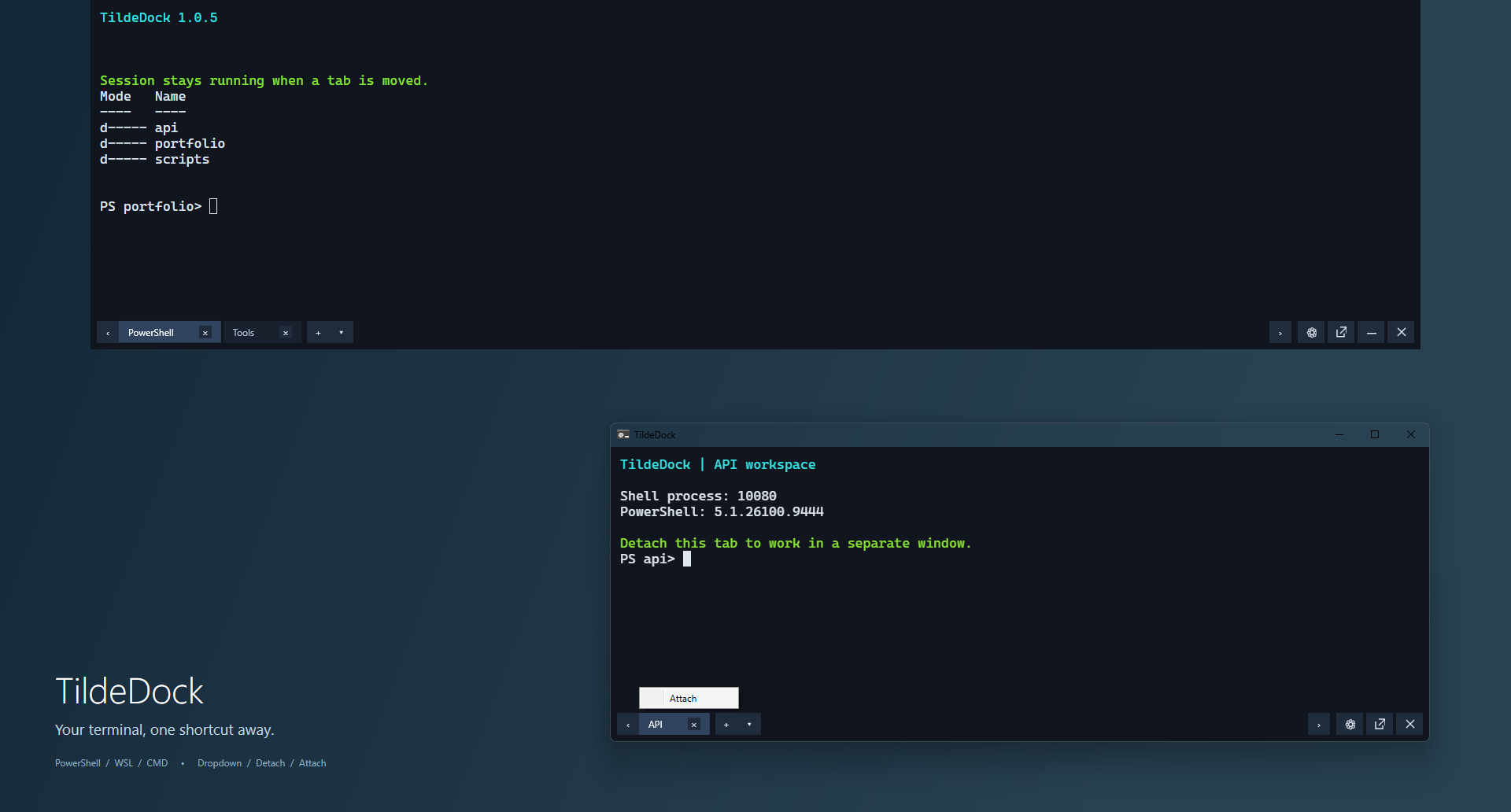
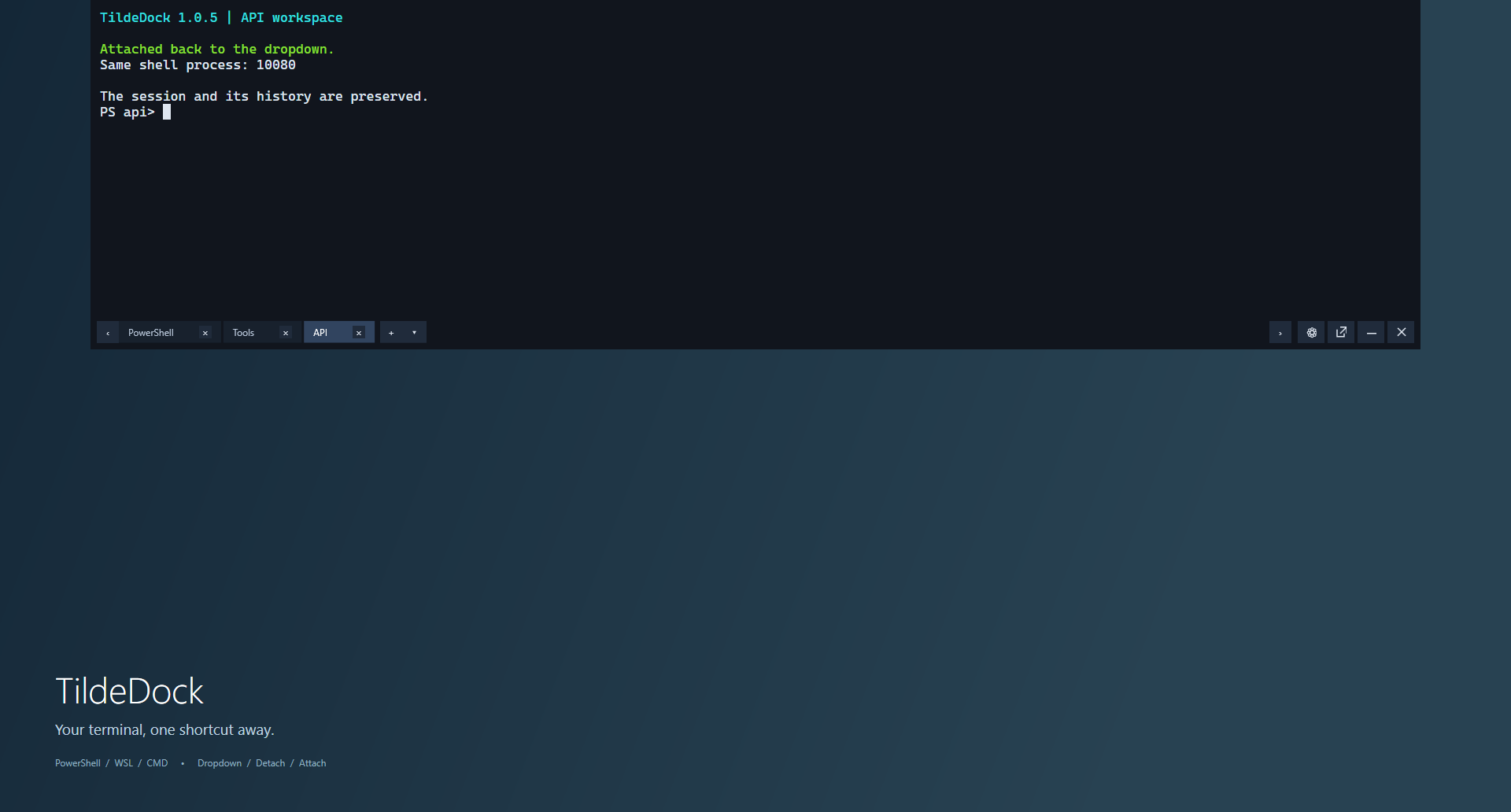
Bring the terminal down from the top of the screen with a hotkey. Detach a tab through its menu or by dragging it out, work in a separate window, then Attach it back. The same shell process, running command, and output history remain intact; detached windows can stay open while the dropdown is hidden.
02

Shell profiles

Built-in PowerShell, WSL Bash, and Command Prompt profiles, plus custom commands. Choose the default shell, arguments, and starting directory. Bash uses a separately installed WSL distribution.

03

Administrator tabs

Open an Administrator tab or window after UAC consent. The terminal interface keeps its normal privileges; transferring the tab preserves its privileges and running session.

04

Notifications and completion

Badges for command completion, failures, and shell exit, with optional sounds and Windows notifications. Tabs can close automatically after their shell and child processes exit; final output remains visible by default.

05

Appearance and language

Russian, English, or system interface language. Fonts, colours, cursor, background opacity, dimensions, and animation speed; changes apply without restarting shells.

06

History and controls

Up to 1,000,000 scrollback rows per tab with memory estimates. Configurable shortcuts, right-click paste, and Ctrl+Shift+mouse-wheel opacity adjustment. Preferences persist between launches.

In action

Screenshots

Select an image to view it and adjust the zoom.

01 · Dropdown terminal: tabs and the Detach action
02 · API tab in a separate window: Attach brings it back
03 · Tab reattached: the same PowerShell process and preserved session

Project availability

Version 1.0.5 for Windows x64. The TildeDock installer bundles .NET and installs WebView2 when needed. Legacy Terminal settings are not migrated automatically; General options shows the current settings-file path. A public download link has not been added yet. Screenshots were captured from the actual TildeDock application using demonstration sessions.

All applications
Screenshot viewer